Lost reviewing CC email
5 hours / week

Stream orders your email and calendar by your priorities, so you see what matters first. Everything else waits.
Measurable time savings in 7 days or your money back.
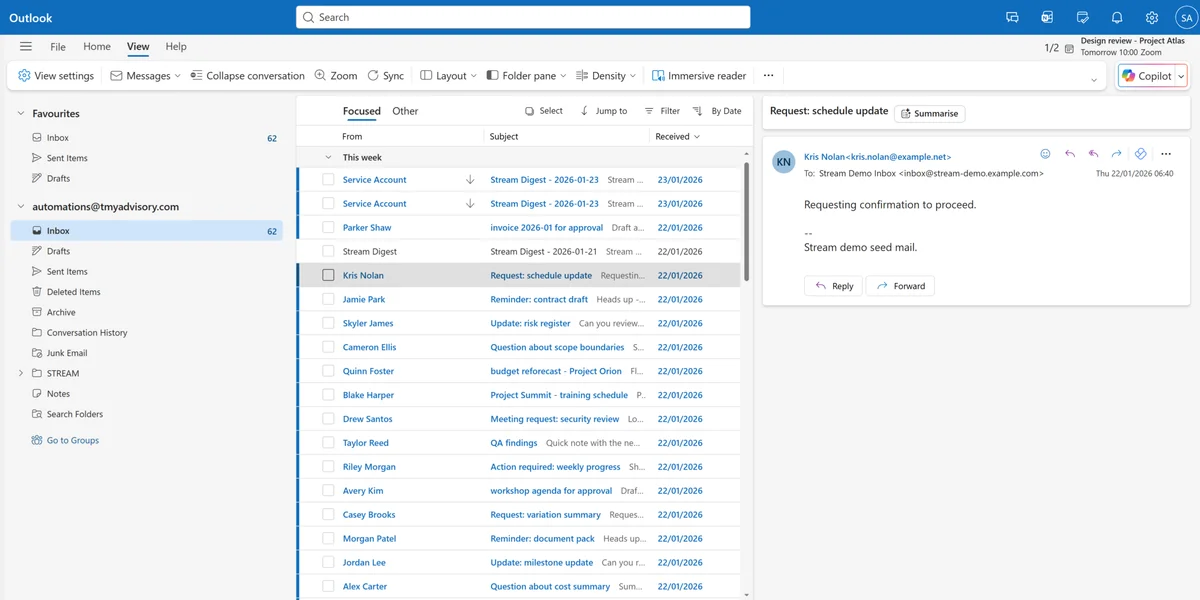

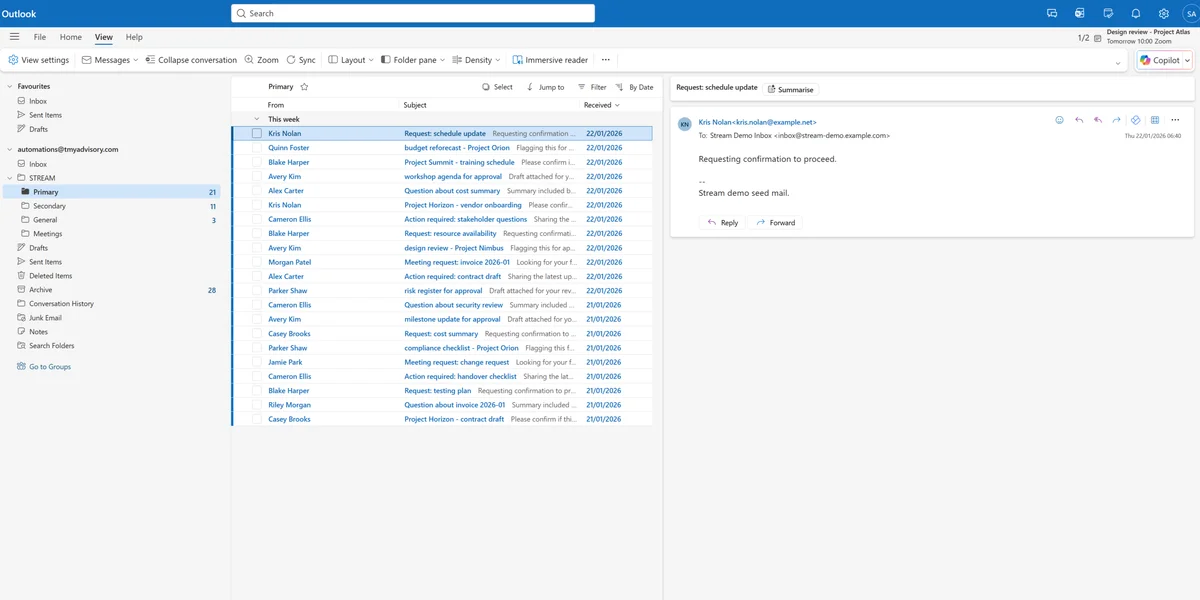
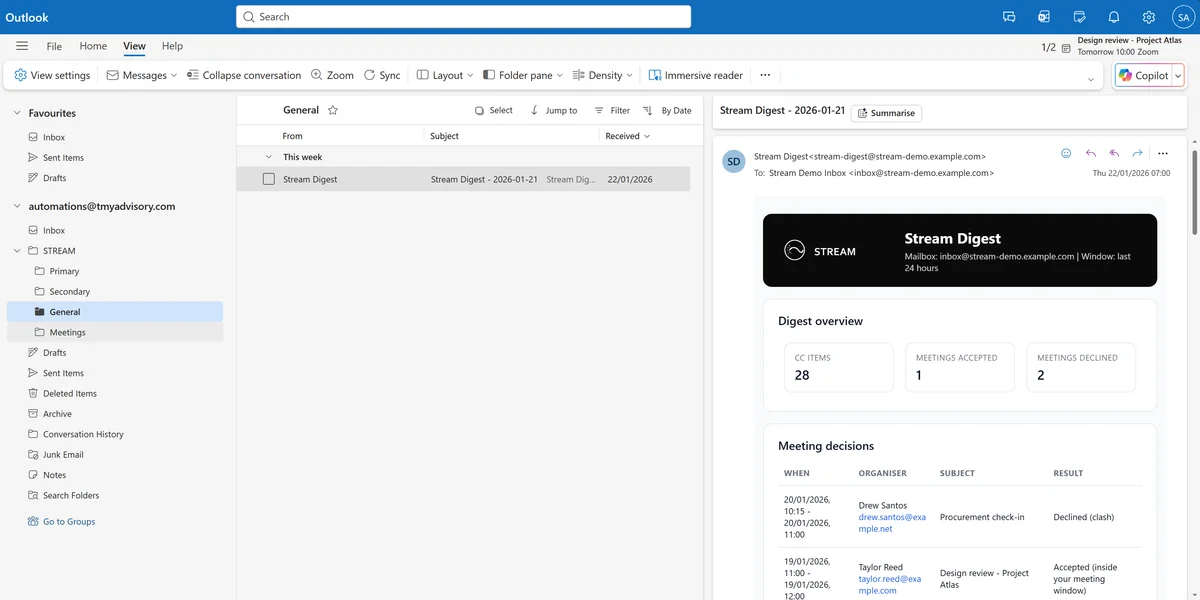

Stream reduces interruptions and restart time.
Saving you
valuable hours for delivery, and uninterrupted execution.
Important messages surface first. Everything else waits.
Your time blocks stay intact.
Low-priority email stops breaking your focus.
You stop scanning and restarting.
Runs inside your email and calendar. You keep your workflow.
Important messages surface where you'll see them. Everything else is sorted by your preferences.
Non-critical email doesn't break your focus. CC traffic is grouped so you scan it once.
Meetings only land when you're available. Conflicts are declined automatically.
What actually changes when Stream is running.
Emails are piling up in your inbox. Your calendar is fractured into scattered blocks.
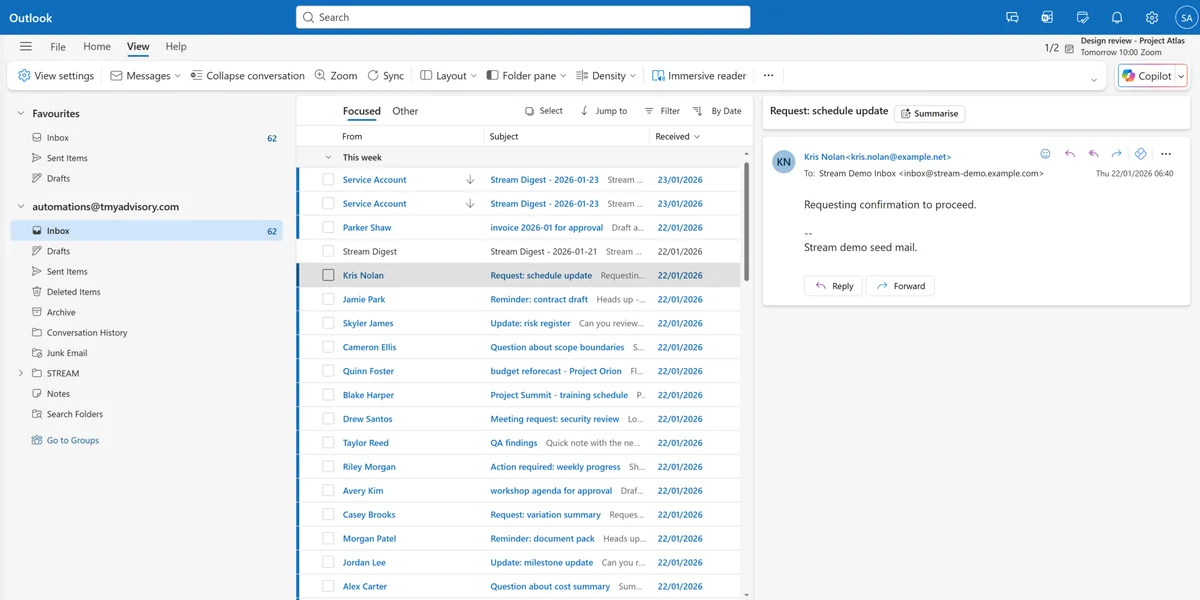
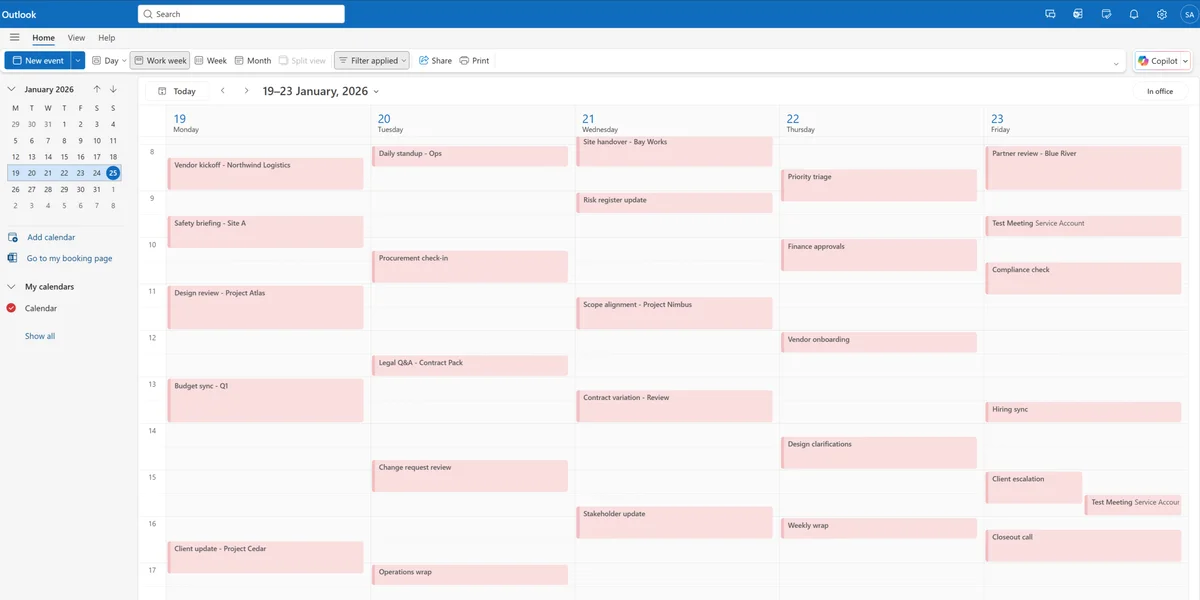
Stream keeps meetings from landing anywhere they can, so your calendar works for you again.
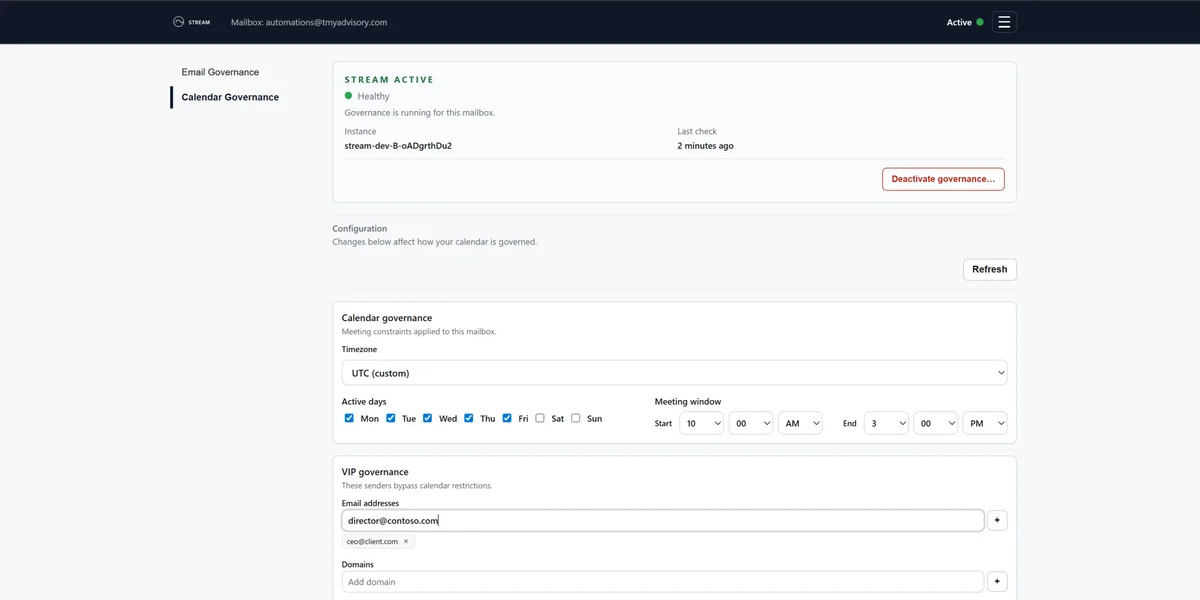

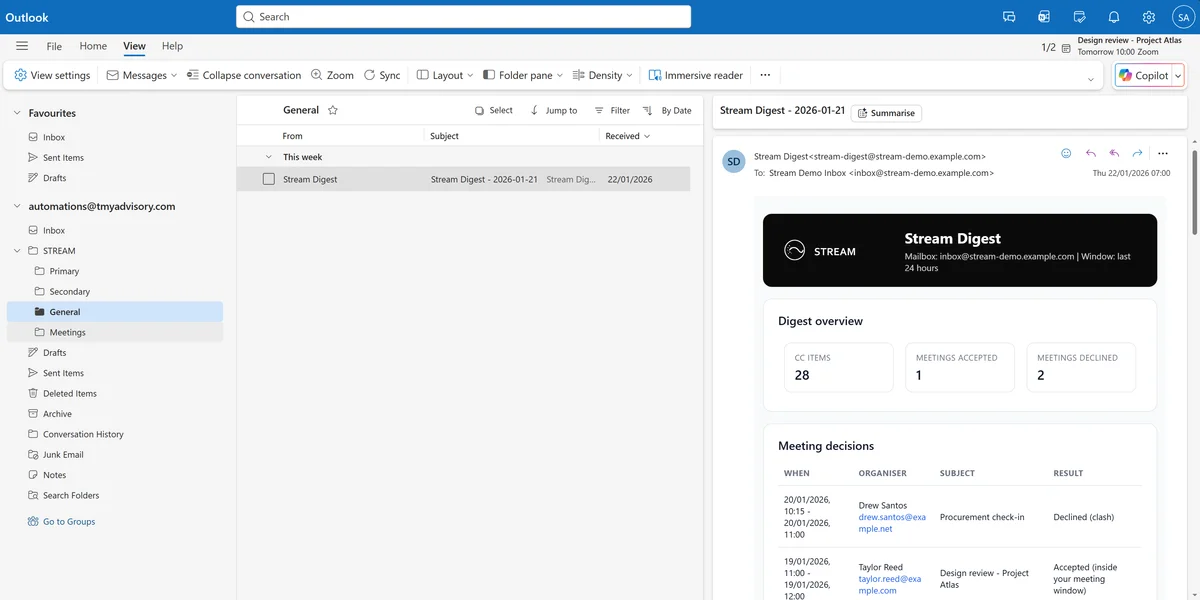
Priority mail lands in Primary. CCs are batched into a daily digest you scan once.
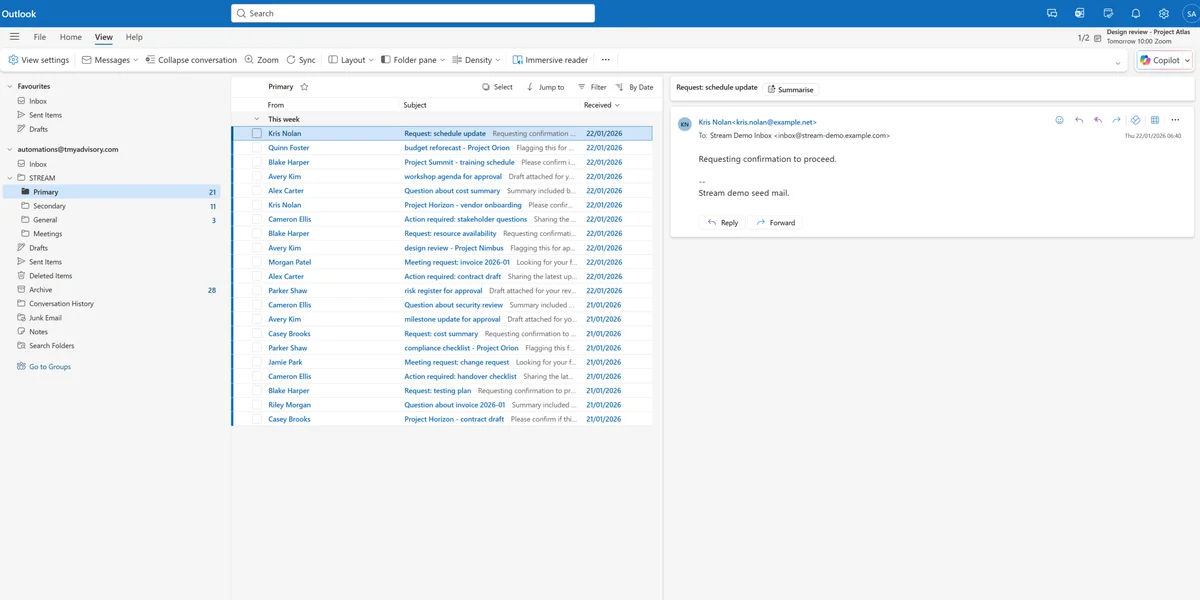
For people handling 80+ emails a day, this is the typical split.
5 hours / week
2-3 hours / week
That is one full workday every week.
Run Stream for one week. If you do not see the reduction, we refund you.
Founder pricing is grandfathered at A$119/month. Limited time only.
A$149
A$119 per seat / month
Billed annually at A$1,190.
Everything stays visible. Nothing is deleted or hidden. You stay in control of every item.
Emails are never deleted. Archive and search remain available.
Information stays visible in the folders you already use.
Access is never blocked when you need to act.
Review or respond any time from Outlook.
Stream operates inside your Microsoft 365 tenant, with a backend hosted on Microsoft Azure. We store the minimum needed to run Stream, and secure it by default.
We do not use email content for advertising or marketing.
Your Stream settings and inputs are encrypted at rest. Access is limited to authorized Stream systems.
Message bodies and attachments are processed to make decisions, but are not stored in our backend.
Email addresses used for matching and diagnostics are stored as hashes, not plaintext.
30 min setup.
See the difference in one week.
Everything you need to feel confident before purchase.
Stream needs access to email and calendar data to make decisions, but it does not store plaintext personal information in its databases.
Carbon copy emails are moved to Archive. At 4pm and 8pm each day you receive a digest to quickly scan a summary of those emails. If you need to action any email you can open Archive and action it like any other email.
All payments are handled by Stripe. Manage your subscription by logging into the Stream web app and choosing Manage subscription in the menu. You'll be redirected to the Stripe Customer Portal for Stream.
Use the first 7 days as your test window. If you do not see a meaningful reduction in interruptions or time spent sorting, request a full refund any time in your first 30 days.
No. Stream runs in the background after activation. The Stream Web App is only needed when you want to change settings.
Use the Deactivate action in the Stream Web App.